Automatically restart crashed apps on your Mac
Crash Restart watches the apps your Mac relies on, from media servers and download clients to virtual machines, and relaunches them the moment they quit. Perfect for a Mac mini home server.
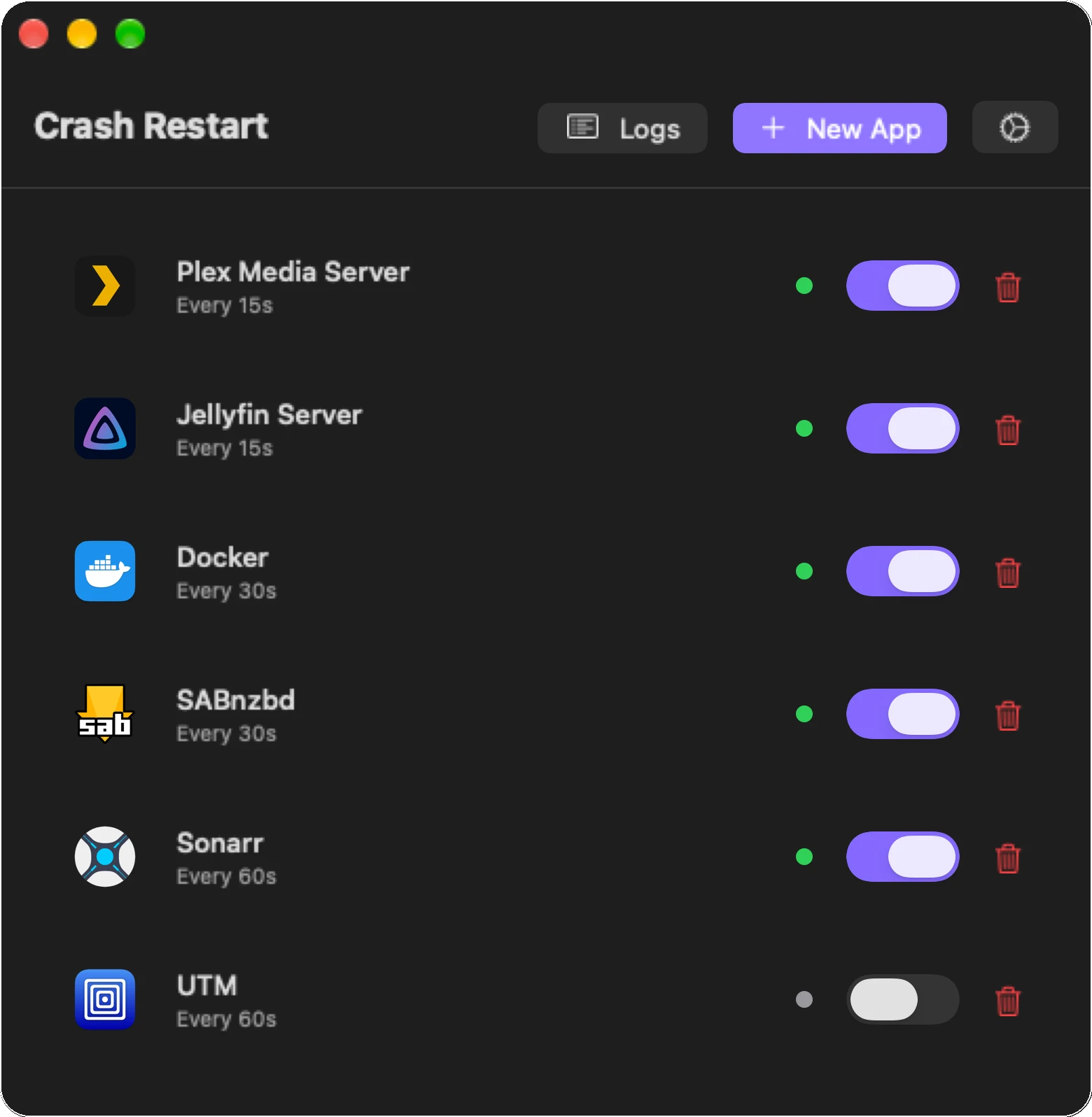
Made for Mac mini servers
A Mac mini makes a brilliant always-on home server, until an app crashes overnight and nobody notices. Crash Restart is the watchdog that brings it straight back.
Media servers
Plex Media Server, Jellyfin or Emby back up within seconds of a crash, before anyone notices the film has stopped.
Downloads and automation
SABnzbd, Sonarr, Radarr and the rest of your stack keep the queue moving overnight, even when one of them falls over.
Containers and virtual machines
Docker Desktop and UTM relaunch after a crash, so containers with a restart policy come back with them.
Kiosks and dashboards
Keep a display, signage or dashboard app on screen all day, with no one there to reopen it.
Headless and remote Macs
Runs from the menu bar or with no Dock icon at all, so a Mac you only reach over Screen Sharing looks after itself.
Any Mac app
If it's an app on your Mac, Crash Restart can watch it: pick from your Applications folder or choose one from anywhere on disk.
Everything You Need to Stay Running
A powerful yet simple utility that ensures your critical apps never stay down.
Real-time Monitoring
Monitor any app at customizable intervals from 5 seconds to 5 minutes.
Instant Restart
Relaunches a monitored app the moment it quits or crashes. Switch it off from the menu bar when you want it closed.
Notifications & Logs
A notification for every restart, plus a history of crash times and uptime for each app.
Sandboxed & Secure
Built with macOS App Sandbox for maximum security and privacy.
Crash-Loop Protection
If an app keeps quitting straight after launch, monitoring pauses and you're told why.
Start at Login
Lives in your menu bar, with or without a Dock icon, keeping your apps running 24/7.
Designed for macOS
A native SwiftUI app that feels right at home on your Mac.
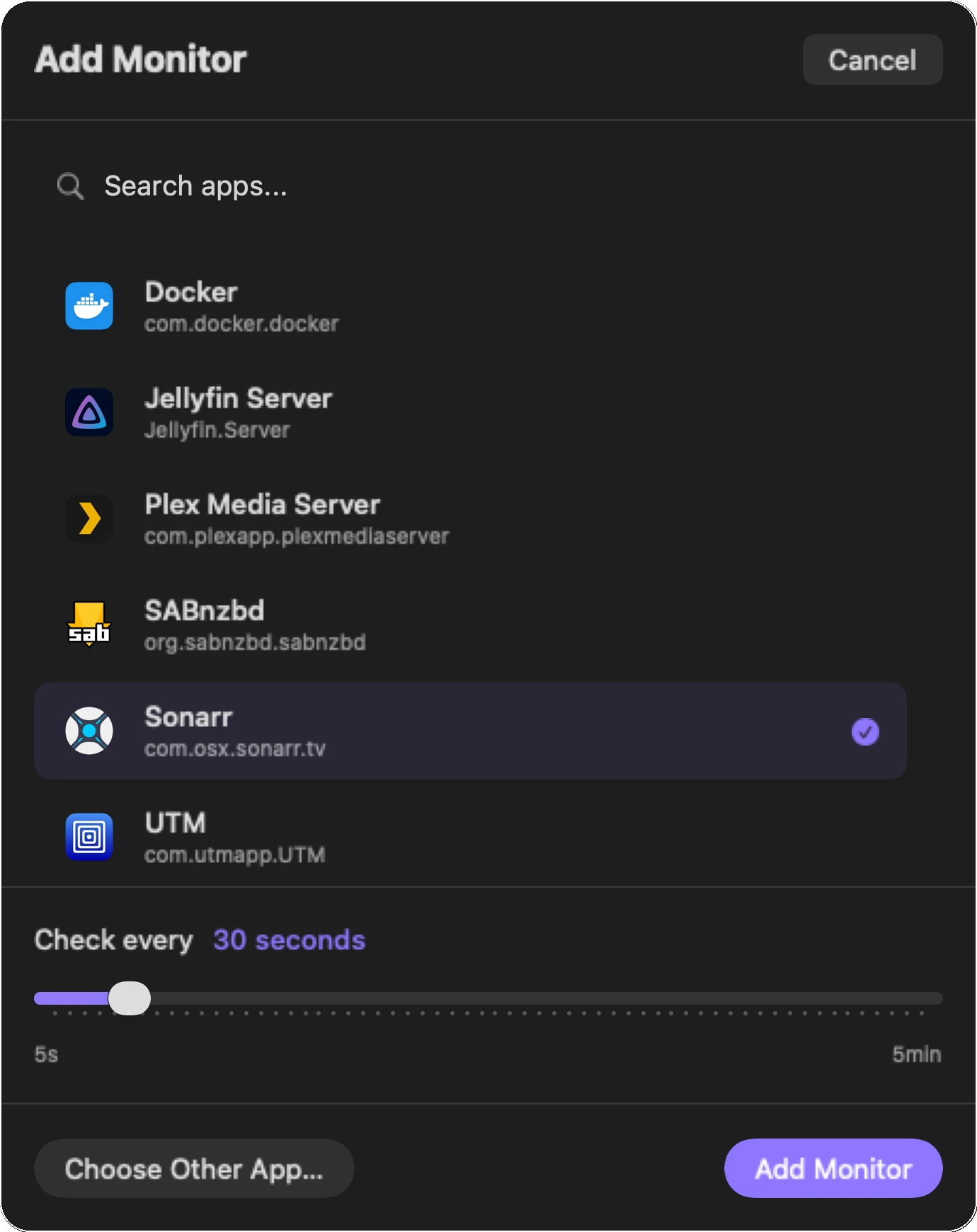
Watch Any App
Pick from your installed apps, or any app on disk, and choose how often to check: every 5 seconds to every 5 minutes.
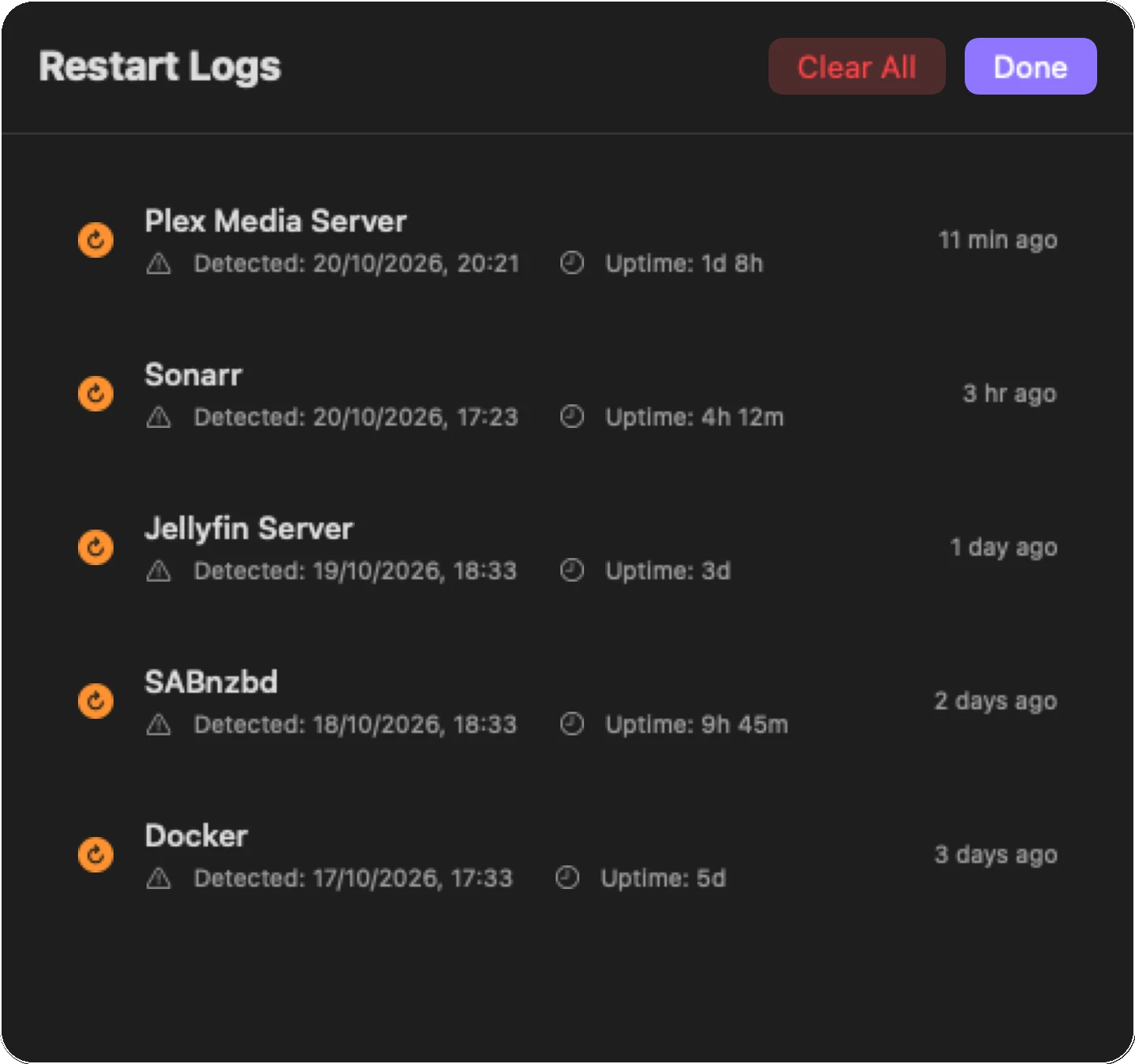
Restart Logs
A history of every restart: when the app went down and how long it had been running.
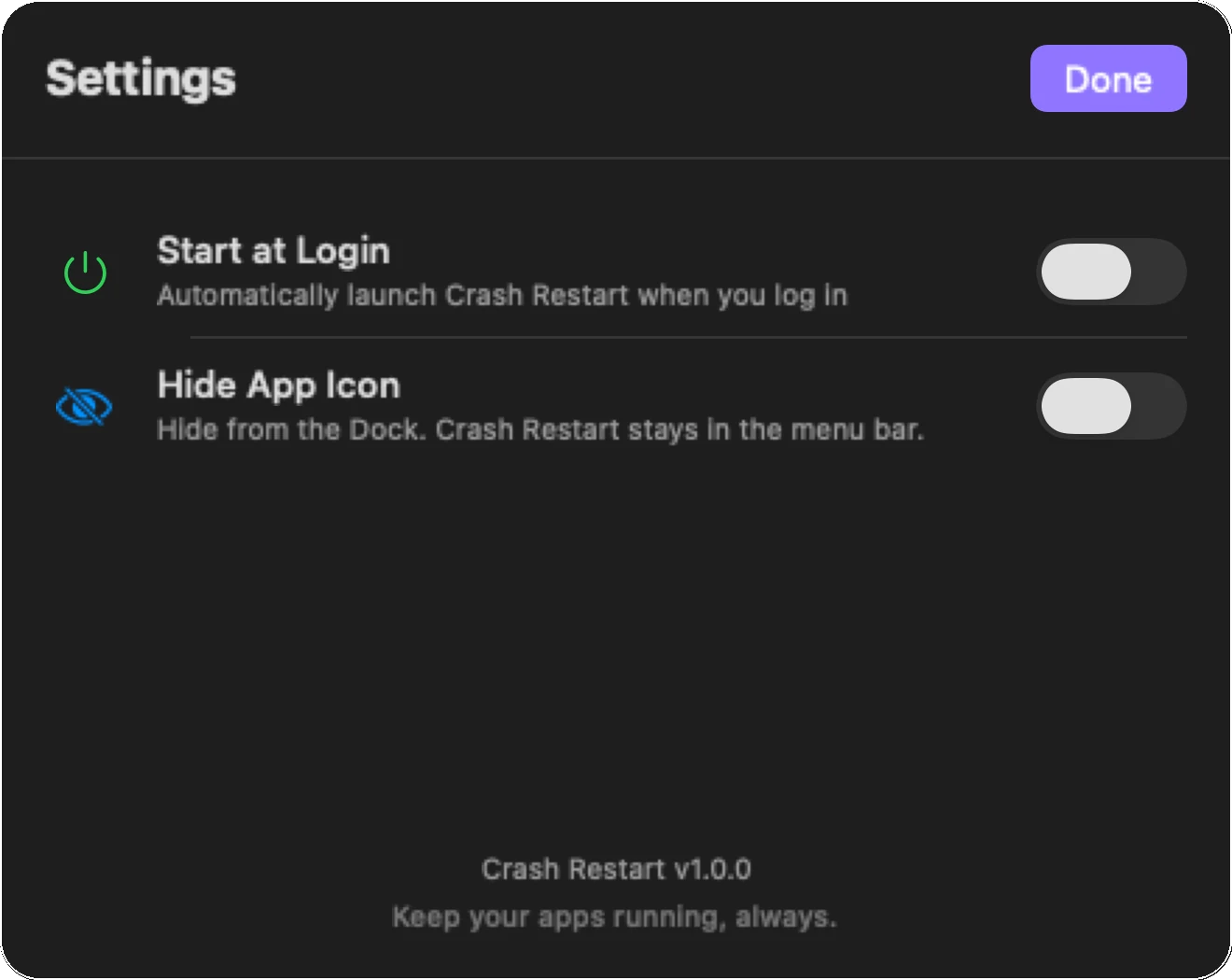
Out of Your Way
Starts at login and lives in the menu bar, with or without a Dock icon.
Never Come Back to a Crashed App
£1.99, once. No subscription, no account, no tracking: just your apps, kept running around the clock.
Download on the Mac App StoreRequires macOS 13.0 or later